Agent Status × Nasiko, integration design
Outside-in agent monitoring as a capability of the Nasiko gateway.
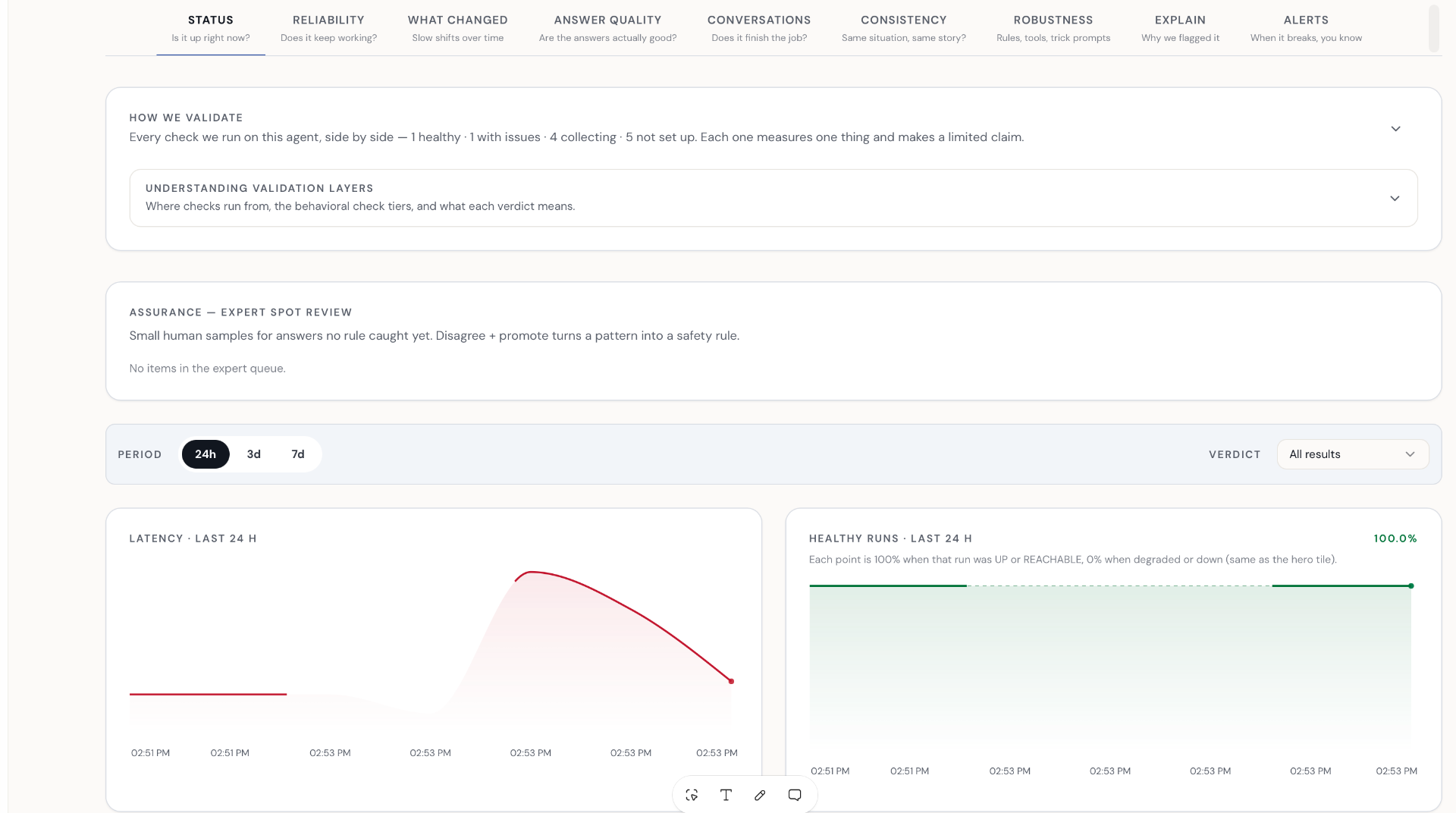
A single adapter, operated by Agent Status, polls the Nasiko gateway's registry endpoint and produces monitors. Validations execute from Fabric, our mesh of 800+ residential nodes across 30+ countries, against customer-visible URLs. Nasiko exposes one endpoint with one auth decision. Pilot customers see results in the standard Agent Status dashboard.
01 — Executive summary
One connector. One endpoint. One execution boundary.
Agent Status is an outside-in monitoring and validation platform for AI agents. We propose a design partnership with Nasiko to ship the Agent Status Registry Connector against the Nasiko gateway: the first of a series of partner-specific connectors we will write for gateway and registry vendors. The connector is our code; we build and operate it. The partnership ask is small and on Nasiko's side: expose a stable agent listing endpoint.
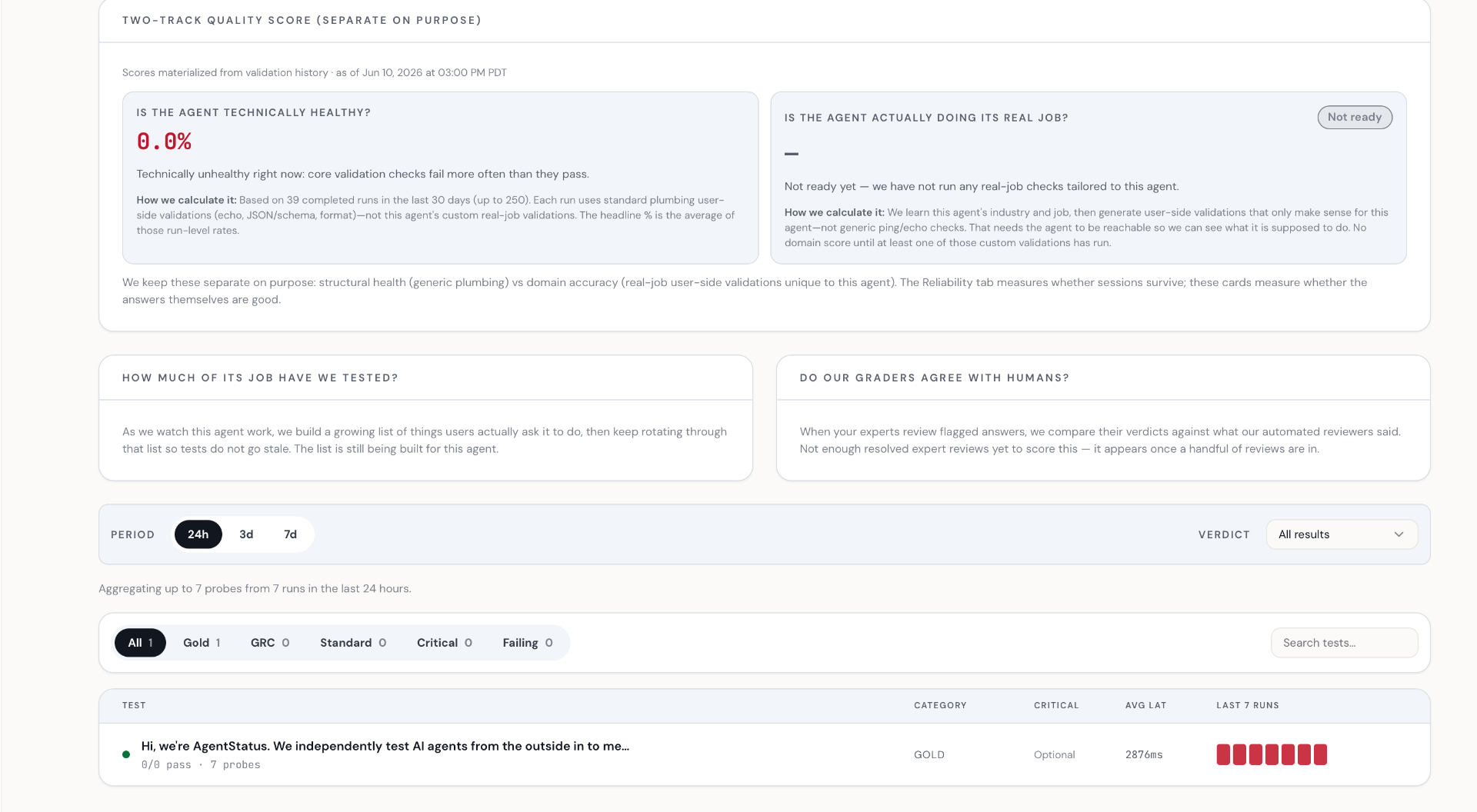
With the connector in place, any Nasiko customer can sign up for Agent Status, open Settings, Registry connectors, paste their Nasiko gateway URL plus credentials, and click Connect. The connector reads the customer's agent registry from Nasiko, syncs agents into the customer's Agent Status workspace, and Fabric nodes start validating customer-visible URLs from real residential network conditions. Results land in the customer's Agent Status dashboard.
Agent Status owns the platform and writes the connector code. Each partner gets a connector tailored to their gateway's contract, sandboxed so it can read only what it needs to read. Customers configure the connection inside their own Agent Status workspace; data does not leave the customer's organization unless the customer chooses to share it with Agent Status.
The single most important property of this integration is that validations execute from Fabric, against customer-visible URLs. The connector handles registration metadata only. It never proxies, modifies, or stores agent traffic. This is what makes the integration cheap to ship for both sides and valuable to customers: Nasiko gets monitoring coverage as a capability of the gateway without operating any of the validation infrastructure, and Agent Status preserves the outside-in evaluation surface that makes its results meaningful.
This document covers the architecture, the API contract, what is implemented today, what we are asking Nasiko for to unblock the pilot, and concrete next steps targeted at having something running before the Nasiko offsite (mid-May 2026).
02 — Architecture
Three components. One direction of data flow. One execution boundary.

2.1 The three components
Nasiko gateway (customer infrastructure). Source of truth for the customer's agent registry. The gateway runs in the customer's own infrastructure (cloud, on-prem, wherever Nasiko ships it). The connector reads a single integration endpoint on the gateway: which agents exist, what URLs they are reachable on. Nothing else.
Agent Status Registry Connector (Agent Status backend). A partner-specific connector that Agent Status writes and runs. It lives in our backend and is configured per-customer through the Registry connectors UI. Sandboxed: it only reads the agent list, holds no agent traffic, and never calls other gateway endpoints. This is the first of a series of partner connectors; the same pattern applies to other gateway and registry vendors as we add them.
Agent Status backend and Fabric mesh. The Carmel Labs-operated REST API that owns monitor scheduling, job orchestration, and result aggregation, plus the Fabric mesh from which validations are dispatched. Validations target customer-visible URLs from real residential network conditions in 30+ countries.
2.2 The execution boundary
Validations execute on Fabric, against customer-visible URLs. The connector never originates validate traffic, never proxies agent requests, never stores results, and never holds customer payloads. This boundary is what makes the integration valuable: Nasiko gets monitoring coverage without taking on the evaluation infrastructure, and Agent Status preserves the outside-in posture that distinguishes its results from inside-out telemetry tools.
If at any point the design pressure pushes toward "the connector could just validate from inside the gateway," that is the wrong direction and should be resisted on both sides.
2.3 The partner-connector pattern
Nasiko is the first partner. We expect to ship more. Each partner gets a connector with the same shape: one read endpoint on the partner's gateway with the same response shape and agent metadata only; the same dashboard onboarding flow on the Agent Status side (Settings, Registry connectors, pick the partner, paste URL and credentials, click Connect); the same sandbox boundary, where the connector reads the agent list and nothing else; and the same execution model, where validations run on Fabric and results land in the customer's Agent Status workspace. The work we do with Nasiko, especially around the sandbox guarantees and the read endpoint shape, becomes the template for every subsequent partner.
2.4 What this is not
This is not a model router or a traffic-handling component. The connector does not sit on the request path of agent calls. This is not a per-customer custom integration. The connector is one piece of code, parameterized per-customer through configuration. This is not an instruction to move validate execution into Nasiko's infrastructure. Validations continue to exit from the Fabric mesh against customer-visible URLs. And this is not a multi-phase roadmap. Build the Registry Connector for Nasiko, ship one pilot customer, then repeat the pattern with the next partner.
03 — The reconciliation cycle
Polling reconciler. Idempotent. Recoverable.
The adapter runs as a polling reconciler. Every 300 seconds (configurable), it fetches the current agents from Nasiko, diffs against its local state file, and applies the necessary mutations to the Agent Status backend.

3.1 Why polling, not webhooks
Polling is the right choice today for three reasons. It is resilient to transient gateway downtime. It requires no inbound listener inside Nasiko's network. And it has well-understood failure modes that don't depend on event-delivery guarantees that Nasiko's gateway hasn't yet committed to. Webhooks become attractive as a future optimization once volume justifies the additional infrastructure. The adapter is built so that adding webhook support later is an internal change, not a contract change.
3.2 The polling interval
Default 300 seconds. Configurable via the NASIKO_POLL_SECONDS environment variable. At this cadence, the worst-case lag between a change in the Nasiko gateway and the corresponding change reflected in Agent Status is bounded by 300 seconds plus API round-trip time. For pilot customers who need tighter latency, the interval can be reduced. At higher poll rates we'd want to switch to incremental sync via updated_at cursors rather than full reconciliation each cycle; today's adapter does full reconciliation only.
3.3 Idempotency
The reconciliation cycle is idempotent through three mechanisms working together. First, the adapter creates each agent in Agent Status once. On success, the returned Rora id is persisted in the local state file, mapped from the Nasiko id. Second, all subsequent PATCH and DELETE calls use the stored Rora id, not the Nasiko id. Third, the state file stores a content fingerprint per agent, so unchanged rows are skipped on subsequent cycles rather than re-PATCHed. A crash mid-cycle is recovered by simply re-running reconciliation.
State file location depends on which path is in use. The embedded scheduler stores per-user state under NASIKO_MULTI_SYNC_STATE_DIR/{user_id}.json (default /tmp/nasiko-sync-state; production deployments should override this to a persistent volume). The standalone CLI uses a single state file at NASIKO_SYNC_STATE_PATH. Both share the same reconciliation logic.
04 — The API contract
Two surfaces meet at the adapter.
4.1 Nasiko → Adapter (read)
The adapter polls a single endpoint on the Nasiko gateway:
GET /api/v1/integrations/agentstatus/agents
Authorization: Bearer <token> (optional)Response shape:
{
"agents": [
{
"id": "nasiko-agent-1",
"name": "Support agent",
"probe_target_url": "https://example.com/v1/chat/completions",
"environment": "prod",
"status": "active"
}
]
}Required fields per agent: id, name, probe_target_url. Rows missing any required field are dropped by the adapter. Optional fields: environment (free-form label such as staging or prod), status. Statuses recognized as active map to active monitors; values the adapter does not recognize as active are treated as paused. Authentication: if the endpoint is protected, the adapter passes a bearer token configured via NASIKO_GATEWAY_BEARER_TOKEN. The endpoint can also be left unauthenticated for early pilots.
4.2 Path order in the adapter today
The canonical endpoint above is the contract this partnership formalizes. It does not exist in Nasiko's public repo today. The adapter validations paths in this order:
/v1/agents/api/v1/integrations/agentstatus/agents/api/v1/registry/user/agents/infoThe compatibility fallback at path 3 expects a slightly different envelope (data[] with external_agent_id) so the adapter can be operational against Nasiko's current infrastructure without blocking on new endpoint work. The compatibility window closes when path 2 is the path actually being used in production.
4.3 Adapter → Agent Status (write)
The adapter performs three operations against the Agent Status backend, authenticated with the X-API-Key header:
/api/rora/agents/api/rora/agents/{agent_id}/api/rora/agents/{agent_id}{
"name": "Support agent (Nasiko)",
"endpoint_url": "https://example.com/v1/chat/completions",
"request_format": "chat_completions",
"prompts": [ ... ],
"schedule_type": "interval",
"interval_minutes": 60,
"adapter_config": {
"nasiko_adapter": {
"external_agent_id": "nasiko-agent-1"
}
}
}On POST, the Agent Status backend returns the new agent's Rora id. The adapter persists this id locally, mapped from the Nasiko id, and uses it for all subsequent PATCH and DELETE calls. The Nasiko id is carried as external_agent_id on the agent record so audit and observability tools on the Agent Status side can correlate back to the source. DELETE is a soft archive: historical validate results are retained for trend analysis even after an agent is retired.
4.4 What is out of scope
Three things are explicitly not part of the contract: validate execution from Nasiko's cloud (validations run on Fabric; the adapter never originates validate traffic); webhook or event-driven sync from Nasiko (future hardening, not on the critical path for pilot); and Nasiko's internal model-routing APIs (the adapter has no business there).
05 — How a Nasiko customer connects
The customer is the operator.
A Nasiko customer who wants Agent Status monitoring signs up, opens Settings → Registry connectors, picks Nasiko, fills in the form, and clicks Connect. The connector code lives in the Agent Status backend; the customer doesn't deploy or run anything. There are two paths. Dashboard is the primary one and the only one most customers will see. The CLI is for Agent Status engineers and ops, not for customers, and is documented for completeness.
5A. Customer dashboard flow (about five minutes)
Once the customer has an Agent Status account, the entire setup is a single form in Settings, Registry connectors. No terminal access, no deployment, no environment variables to manage.
- Open Settings, Registry connectors. The Nasiko row appears with status "Not configured." Expand it.
- Paste the Nasiko gateway base URL. This is the origin that exposes the Nasiko catalog (provided by Nasiko or your Nasiko onboarding contact).
- Generate or paste an Agent Status API key. Generate inline is recommended; the form will show a green "API key ready" state once it has one.
- Paste a gateway bearer token if the Nasiko catalog requires one. Leave empty if the endpoint is unauthenticated.
- Set the default validate interval in minutes (60 is the default). This is how often validations are scheduled per agent, separate from how often the adapter polls Nasiko.
- Decide whether to enable Delete missing agents. Off by default; turn on once the mapping has been validated against the live catalog.
- Click Connect Nasiko. The embedded scheduler picks it up on its next tick, and the row's status changes to Connected with a last-sync line.

That's it. Monitored agents appear in the Agent Status dashboard within one sync cycle. Validations start executing on Fabric nodes. Results flow back automatically. Sync status, errors, and the last successful sync are visible on the same connector row, sourced from the connector record's metadata.
5B. CLI (Agent Status engineering use only)
The same reconciliation logic ships as a standalone Python service. Agent Status engineers use it for testing the connector against new gateway shapes, for one-off backfills, and for debugging in environments where the dashboard path isn't suitable. Customers do not see this and do not run it.
git clone <agentstatus-monorepo>
cd <agentstatus-monorepo>/integrations/nasiko-adapter
python3 -m venv .venv && source .venv/bin/activate
pip install -e ".[dev]"export AGENTSTATUS_API_BASE_URL="https://api.fabric.carmel.so"
export AGENTSTATUS_API_KEY="<your-agentstatus-api-key>"
export NASIKO_GATEWAY_URL="https://<nasiko-host>"
# optional
export NASIKO_GATEWAY_BEARER_TOKEN="<token-if-required>"
export NASIKO_SYNC_STATE_PATH=".nasiko-sync-state.json"
export NASIKO_POLL_SECONDS="300"agentstatus-nasiko sync --driver http --dry-run # validate, no writes
agentstatus-nasiko sync --driver http # one reconciliation pass
agentstatus-nasiko serve --driver http # continuous loopThe standalone CLI uses NASIKO_POLL_SECONDS for its loop interval, while the embedded scheduler in the dashboard path uses NASIKO_SYNC_INTERVAL (also seconds) for the tick that drives all configured connectors. They are independent settings; do not confuse them in production deployments.
06 — Authentication and security
Minimum surface, encrypted at rest.
Adapter to Agent Status. API key via the X-API-Key header. The operator generates a workspace-scoped key from the dashboard and supplies it via AGENTSTATUS_API_KEY. Keys are rotated by issuing a new one and updating the environment.
Adapter to Nasiko gateway. Optional Authorization: Bearer header. The adapter passes whatever token is configured via NASIKO_GATEWAY_BEARER_TOKEN; if no token is set, the adapter calls the endpoint unauthenticated.
Secret storage. In the dashboard path, credentials are written to the Agent Status backend's user_service_connections table (a shared pattern with other connected services). The Agent Status API key is stored encrypted in access_token, the optional Nasiko gateway bearer in refresh_token, and non-secret config plus sync telemetry (gateway URL, interval, delete_orphans flag, last_sync_at, last_sync_stats, errors) in metadata. Rotation is a re-Connect from the same form. The CLI path reads environment variables on the host.
Data minimization. The adapter does not handle agent payloads, conversation contents, model outputs, or user-identifying data. It handles only the metadata fields listed in 4.1: id, name, probe_target_url, environment, status. This is a deliberate minimization and should be reflected in any data processing agreement between Carmel Labs and Nasiko.
Connector sandboxing. The connector runs in the Agent Status backend, but it is configured by the customer to talk to a gateway in the customer's infrastructure. By design, the connector can do exactly four things against the Nasiko gateway: issue an HTTP GET to the canonical agent listing endpoint, parse the response into the agent records described in 4.1, pass the configured bearer token (if any) on that one endpoint, and log success or failure of that one call. It cannot call any other endpoint, issue methods other than GET, read or proxy any agent traffic, or send anything from the gateway response to a third party. This is enforced in the connector's HTTP client: base URL, path, and method are all locked. We are happy to share the connector's source under NDA.
07 — Error handling and reliability
Posture today, hardening proposed.
The reconciliation loop runs on a configurable interval and surfaces errors via Python logging. State-file persistence makes restart safe. On Agent Status API failure, the adapter logs the error and continues to the next cycle. For the dashboard path, sync errors and the last successful sync timestamp also surface on the user_service_connections row (in error_message and metadata.last_sync_at), so an operator sees connection health on the same connector card without checking server logs.
As the integration moves from pilot to production with real customer load, the table below describes the failure-handling behavior we would add. None of these are implemented today; they're listed so the partnership has a shared view of where reliability work would go if and when it's prioritized.
7.4 Backpressure and observability (future)
Future hardening, listed for completeness: batching of Agent Status API calls and respect for rate-limit headers; switching to incremental sync via updated_at cursors when an agent listing exceeds 5,000 rows; Prometheus-format metrics on a /metrics endpoint (sync_cycles_total, sync_duration_seconds, monitor counts, error totals); structured JSON logs with per-cycle correlation IDs. None of these are implemented today.
7.5 Troubleshooting common cases
08 — What we are asking Nasiko for
To unblock the pilot.
A test environment we can build against
From the May 8 call: Nasiko will provide either a separate cluster where we can simulate agents running behind the gateway, or mock APIs that match the canonical agent listing endpoint shape. Either works for the connector engineering. This is the critical path.
A named engineering point of contact
Currently the conversation routes through founders; for the adapter contract, we need an engineer to send code questions to.
An authentication decision for the endpoint
Bearer token or unauthenticated, either is fine, but we need to know which.
A pilot customer
Willing to be the first Agent Status × Nasiko user, with a target window for going live.
NDA and design partnership memorandum
So both engineering teams can share roadmap-sensitive details without legal friction.
09 — What Nasiko gets
Coverage as a capability of the gateway.
Outside-in monitoring as a gateway capability
Zero new infrastructure to build, host, or operate on the Nasiko side.
Coverage no other vendor offers
Agents in private registries and private control planes. A class of deployment that is currently invisible to outside-in monitoring tools.
Co-marketing rights
Around the integration once it ships, including joint case studies with the pilot customer subject to that customer's approval.
A Nasiko-aware Registry Connector that we maintain
Plus the connector-pattern template that becomes the reference for future partner connectors. Commercial terms (revenue share, referral arrangements, support and SLA) will be developed jointly once the integration demonstrates fit with a pilot customer. From the May 8 call: both sides agreed numbers are worked out together, not separately.
11 — Glossary
Shared vocabulary.
integrations/nasiko-adapter in the Agent Status monorepo, CLI entry point agentstatus-nasiko (Agent Status engineering use only).api.fabric.carmel.so that owns monitor configurations, scheduling, and result aggregation. Hosts the partner connectors.rora_scheduler that drives the dashboard path: loads active connector rows, decrypts their secrets, runs reconcile per customer, persists per-customer state. Interval set by NASIKO_SYNC_INTERVAL.rora_agents in the backend./api/v1/integrations/agentstatus/agents.access_token), encrypted gateway bearer (refresh_token), and non-secret config plus sync telemetry (metadata).Draft for design partnership review. Prepared by Carmel Labs, Inc. May 2026.